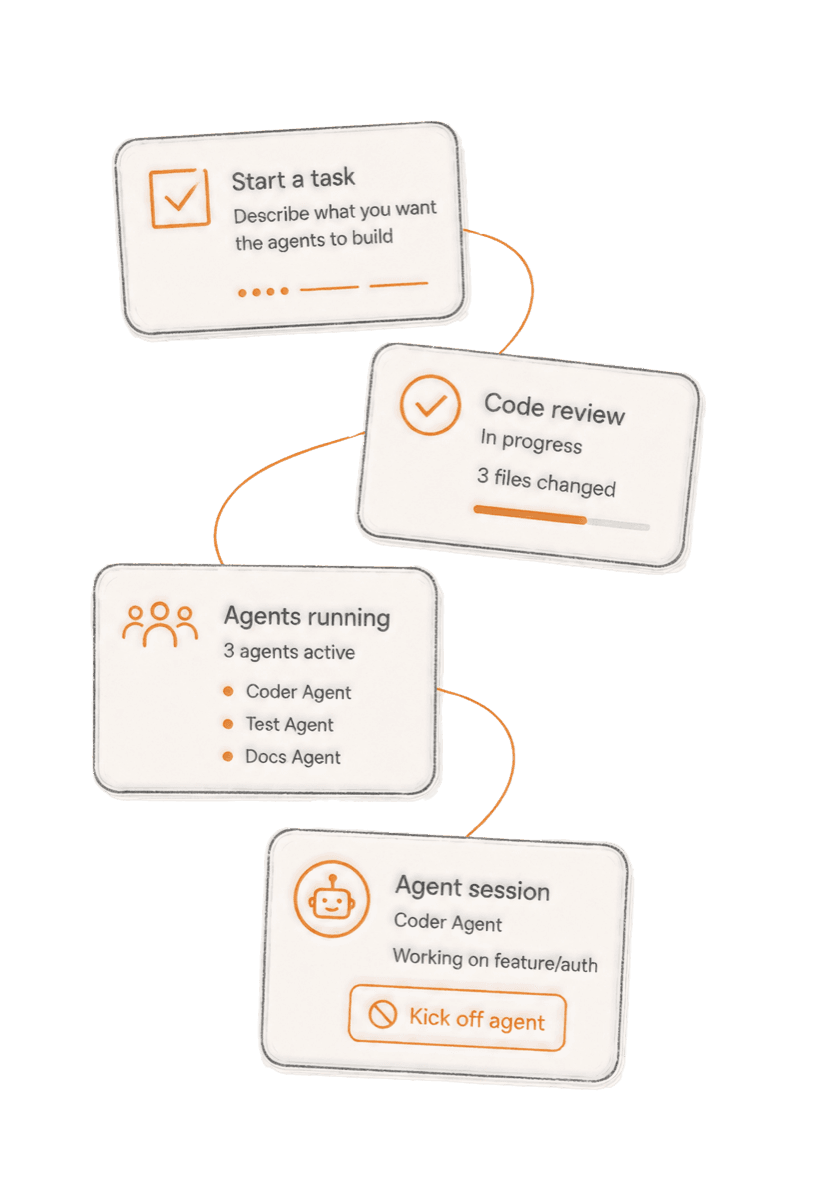
Manage Agents
Connect Claude CLI and create a two-way channel with your running agent.
Chirp voice racks are a one-way digest. While you can probe and ask questions, it doesn't let you connect out (commit code, send emails, etc.). To do that, just add the --channels flag when you start Claude. If you're curious, this is how Telegram and WhatsApp create a two-way connection with Claude Code (channels reference).
You say: Ask my agent what's left on the auth refactor, and have it open the PR.
Connecting Claude CLI
- 1.Add the Chirp marketplace in Claude Code:
- 2.Install the plugin:
- 3.Sign in to Chirp from inside Claude Code:
- 4.Start a session that is connected to Chirp:
Let your phone start agents
Install Chirp on your Mac and your phone can spin up, name, and shut down agents by voice — no keyboard needed. It also keeps a personal agent running in the background for questions that use your connected tools.
Paste this one command into your terminal. It installs chirp-host, then launches a guided wizard that inventories your agents, signs you in with a six-digit text code right in the terminal (or your browser, if your account has no phone number), connects Claude Code and/or OpenClaw, and starts the daemon.
Requires macOS, Node 20+, and tmux.
After setup, manage the daemon with chirp status, chirp logs -f, chirp stop, and chirp restart.
Manual setup / under the hood
If you prefer to run the steps yourself — or want to understand what the wizard does — here they are:
- 1.Install the Mac CLI:
- 2.Sign in:
- 3.Start the daemon:
- 4.Add the Chirp plugin to Claude Code:
- 5.Start Claude with the channel active:
If you use OpenClaw, install the Chirp plugin there too:
Want to review what runs? Read the install script — it installs one npm package, no sudo.
Or paste the prompt below into an existing agent and let it run the manual steps for you:
Install Chirp on this Mac: run curl -fsSL https://chirp.dev/install | sh, then chirp login, then chirp start. When it's done, tell me which of my projects I can now start agents in from my phone.